Explore what’s
new in the latest release
Quantum Architecture
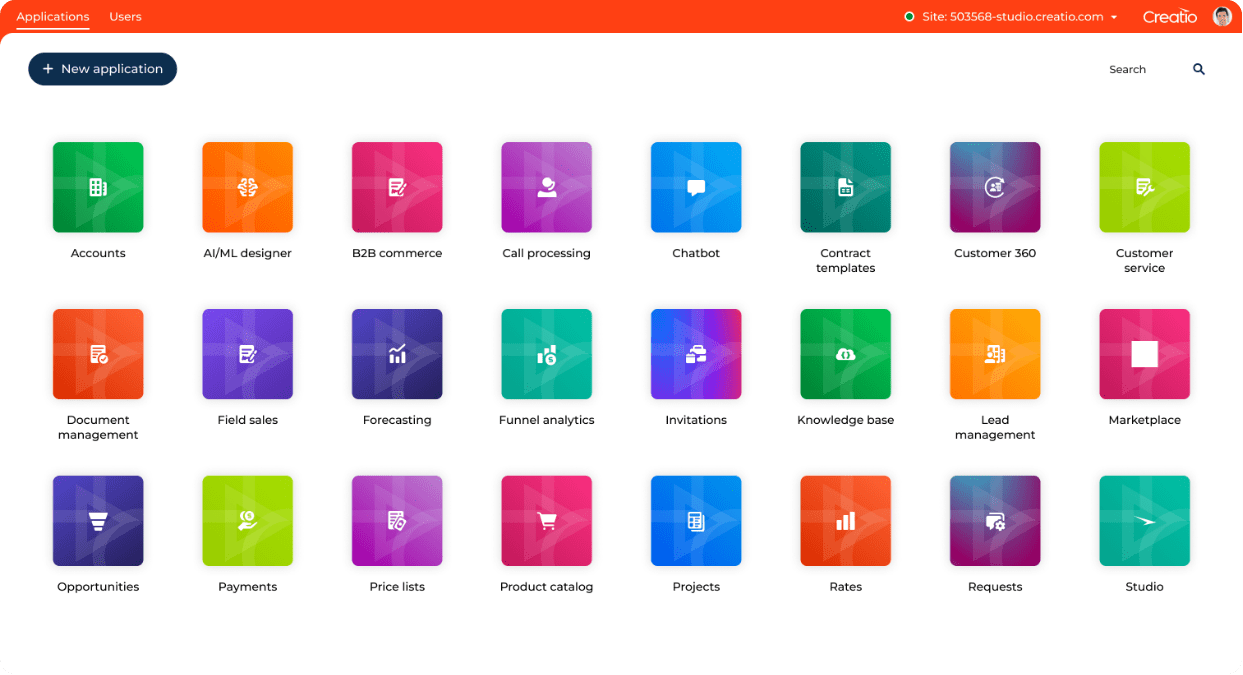
With the launch of Quantum 8.1, Creatio supercharges its composable no-code automation capabilities. All functionality is now assembled from ready-to-use components and blocks. This approach enables non-technical users to utilize available components and combine them into required digital solutions at speed and scale.
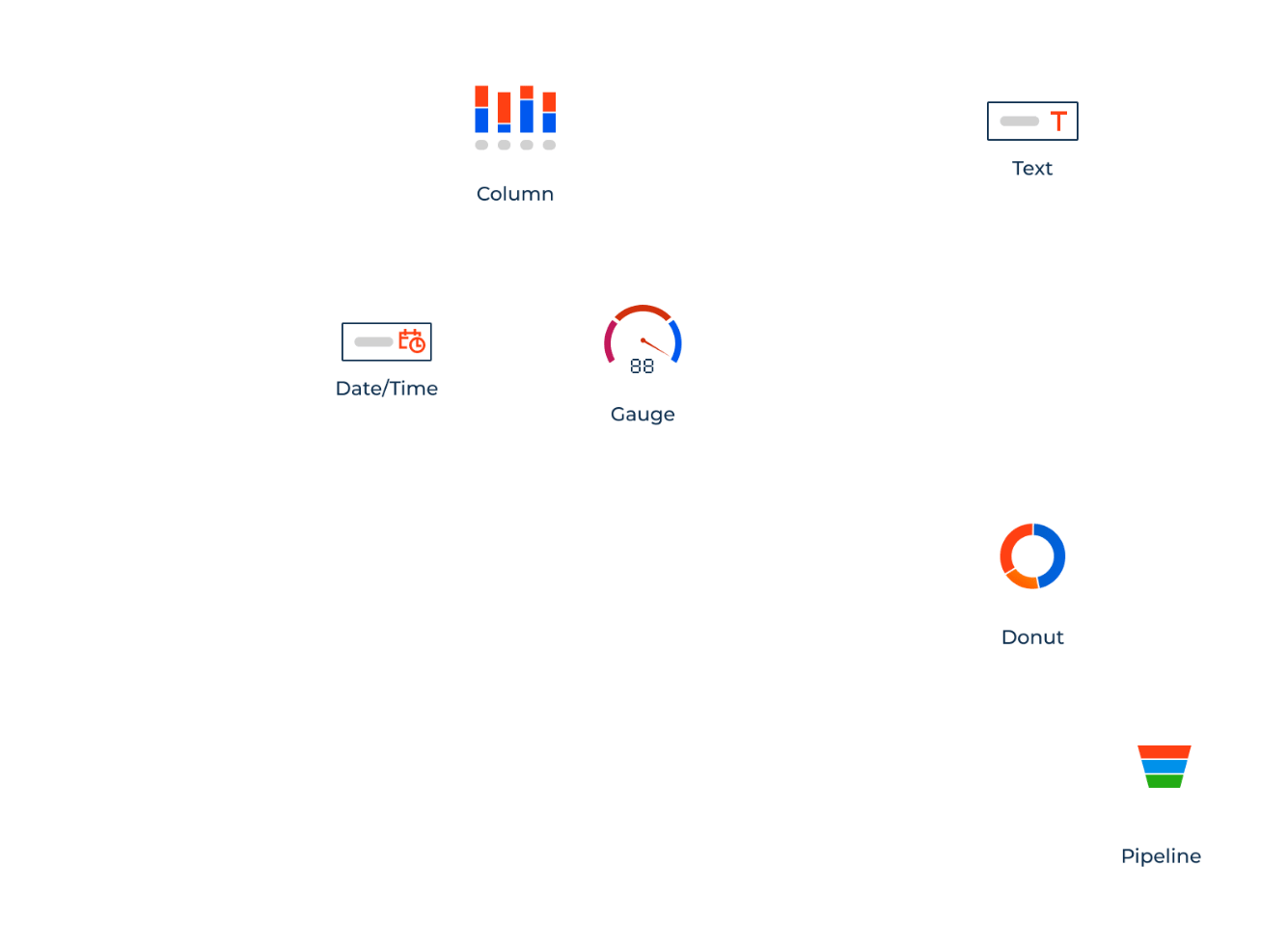
The new architecture enables no-code creators to use components in any combination to support their unique use cases. The Quantum release is represented by a hierarchy of composable elements. Components are at the lowest level of the architecture, forming the larger blocks that represent a piece of functionality. Users can leverage these blocks to assemble applications that can cover an end-to-end use case. Applications can be combined to deliver automation of a specific function with multiple use cases via a product.
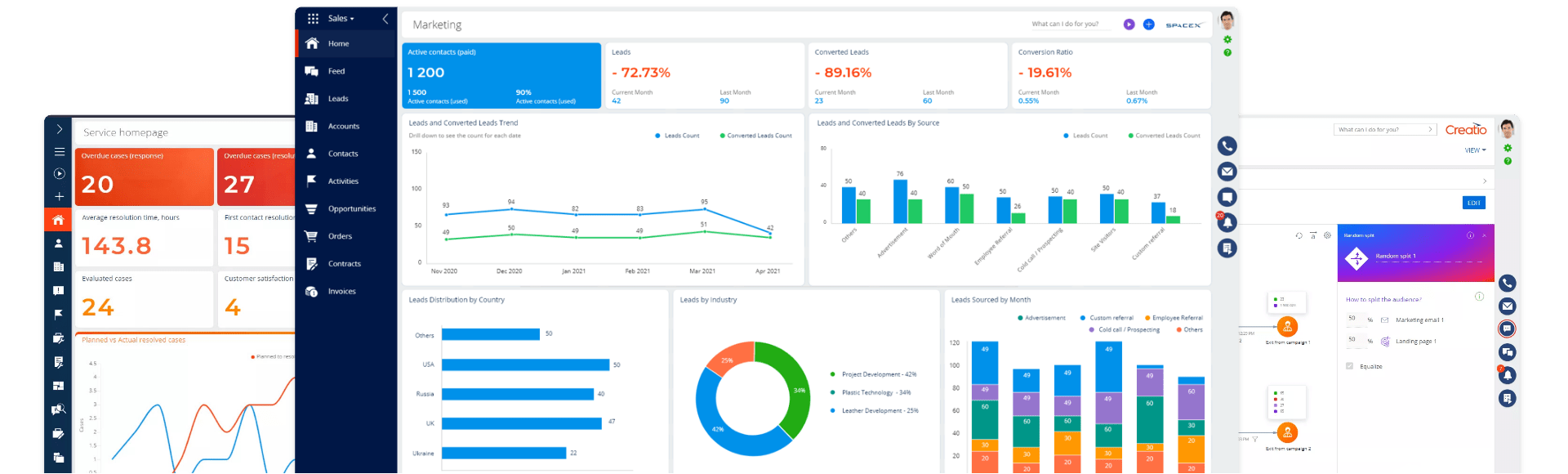
Composable apps for marketing, sales and service
The list includes the following apps:
- Track accounts and contacts and gain a comprehensive engagement history across the entire customer journey with the Customer 360 app.
- Effectively manage leads and opportunities, from lead capturing to segmentation to pipeline monitoring, with the new Lead and Opportunity Management app.
- Utilize Order and Contract Management to streamline your order-to-cash workflows.
- The Forecasting app allows users to manage collaborative forecasts of different types: from up to bottom or from bottom to up, broken down by customers, territories, sales reps, and many more.
- Boost personal and team productivity with the new Productivity app, which provides necessary tools to manage tasks, activities, and timelines.
- The Campaigns app allows you to automate omnichannel marketing campaigns of any complexity and scale, create rich message templates, run A/B tests, and track campaign performance.
- The Email marketing app features tools for full-cycle email marketing automation with personalized multistage email campaigns and rich analytics.
- The Event Management app offers consolidated functionality to plan and execute all stages of offline and online marketing events with automated audience segmentation and acquisition tracking, budgeting, task management, and in-depth analytics.
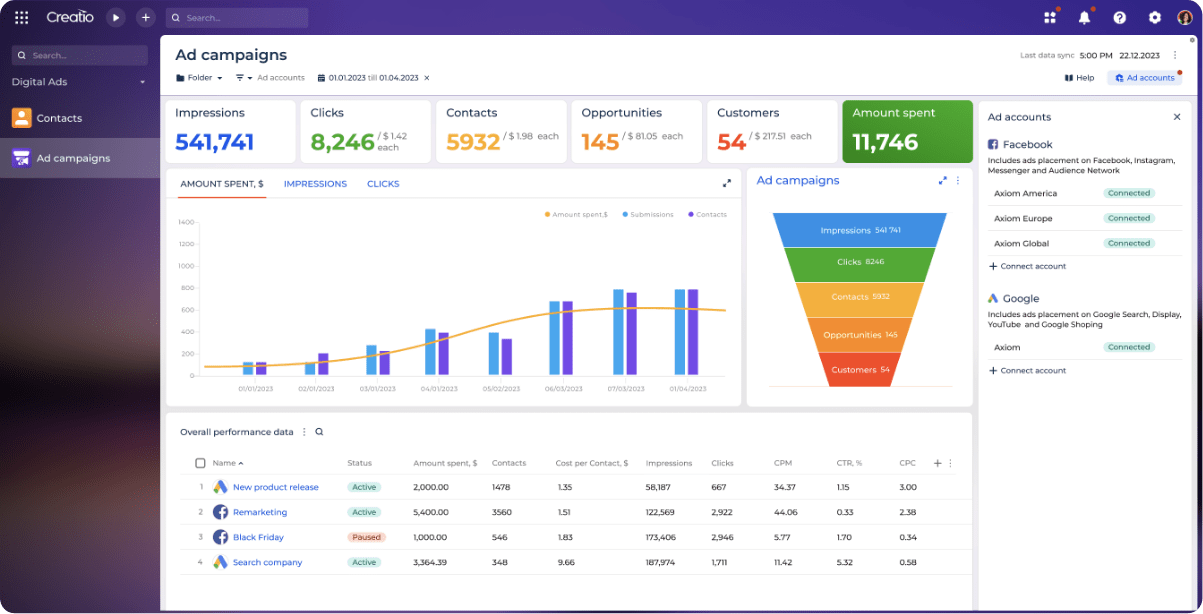
- Leverage the new Digital Ads app to track and analyze the effectiveness of your digital ad campaigns in Google, Meta, and other ad tools.
- The Case management app empowers users to manage cases and service requests of different types with automated case registration, classification, routing, and resolution workflows, consolidated customer and case data view, and many more.
- The Knowledge Management app is essential for digital knowledge-sharing environment, with features like tags and cross-links, as well as feed functionality.
Universe of new ready-to-use components
- The Next Steps component enables the users to set up recommended steps at every process stage such as case resolution or project management activity.
- The new Progress Bar component enhances workflow automation by enabling users to monitor and modify the workflow stages of a dynamic case.
- With the new Mini Pages, you can create a simplified view for every record in the system to streamline quick updates, quick record creation, and edits.
- On a Freedom UI page, you can now apply quick filters to lists, diagrams, and metrics thanks to new filter components.
- With the updated communication widgets, you can make and receive calls connecting Creatio with almost any telephony system, run chat conversations including the usage of automated chatbots, sync emails, receive social posts, and many more.
- The new Message composer is an additional tool that enhances Creatio’s omnichannel communication and speeds up working with emails and feeds enabling users to send emails and publish feed messages from any Freedom UI page.
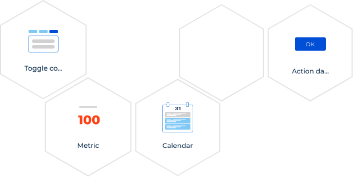
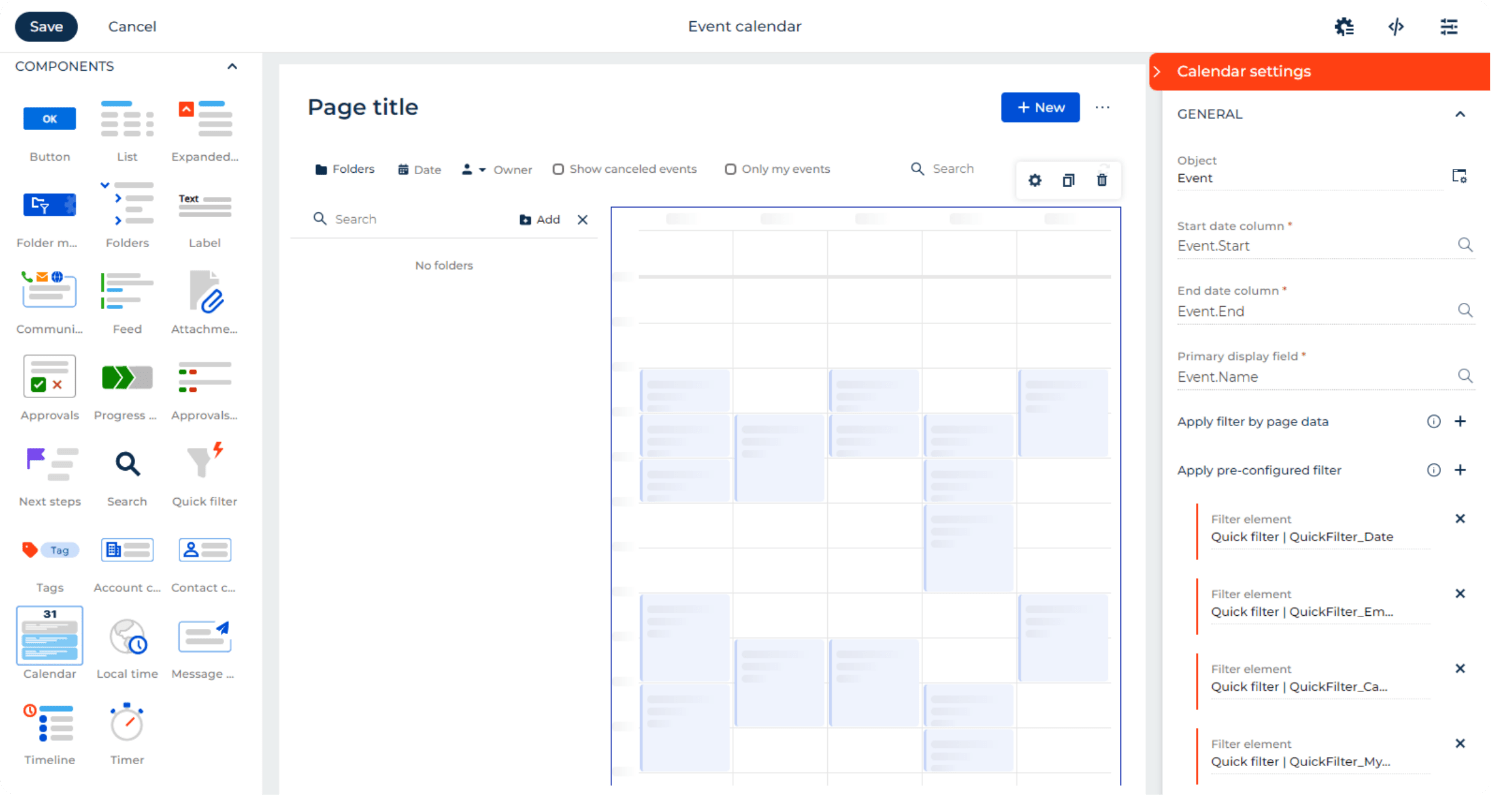
- The list of new no-code components also includes the new Tags component to add and manage tags for any entity in the Freedom UI, the new Calendar component that allows viewing and managing tasks and activities as drag-and-drop tiles, the enhanced Timeline component, more control capabilities for Dropdown fields, and numerous other UI/UX improvements and components.
Generative AI integration to streamline the no-code development cycle
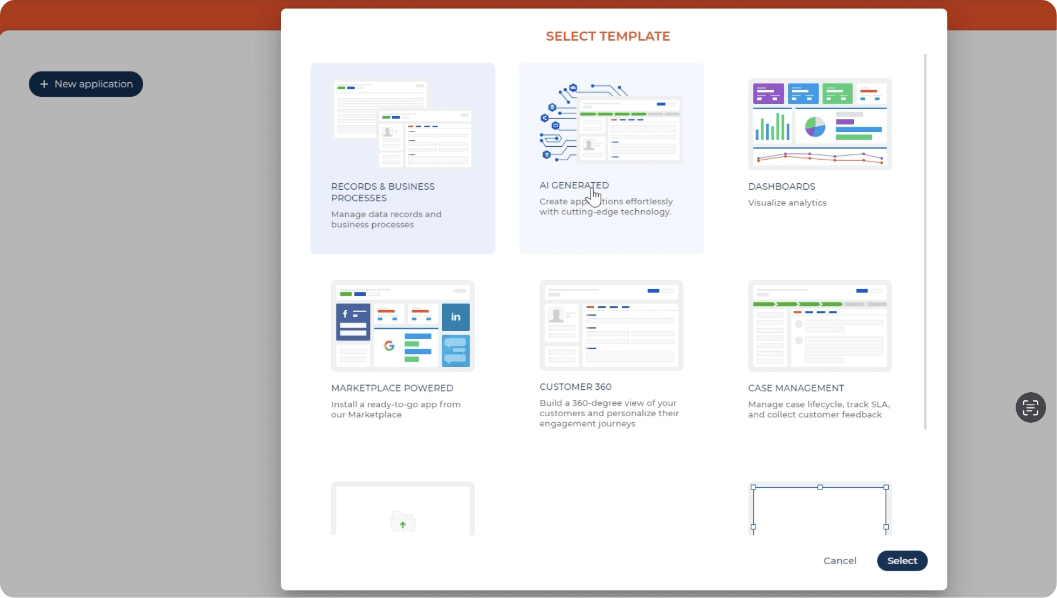
The new release features the Generative AI integration covering various use cases. Users can leverage natural language input to create a new application from a description through integration with Open AI. This enables no-code creators to create a needed application in the Application Hub with the platform automatically pre-populating views, data models, and objects based on the description.
In addition to it, the Quantum release incorporates several CRM-focused use cases such as an in-built AI assistant and the ability to generate human-like responses for email, chat, and phone conversations.
Next-generation governance automation
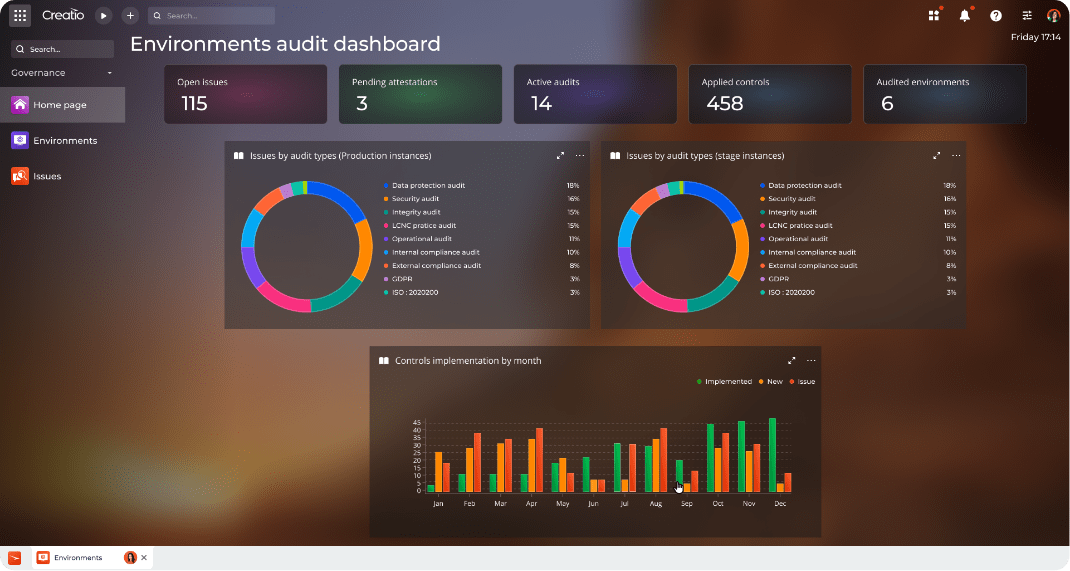
In the latest version, Creatio offers a new governance app with a robust set of capabilities to automate the end-to-end no-code governance cycle. The app includes a comprehensive list of automated governance and compliance checks. These checklists and controls cover external regulations (like GDPR, HIPAA and others), security requirements (for example – record sharing rules), internal audits, and many more. The users can set up an unlimited number of custom governance controls via no-code tools. The app also allows users to identify and escalate discovered issues, monitor the app health status in real time and run scheduled and ad hoc application audits. With Creatio’s robust API, you can apply some of these checks to external applications as well.
By fostering collaboration and ensuring compliance, Creatio no-code governance app empowers organizations to harness the true potential of the composable no-code approach.